
Restaurants Qualify for $5,000 welcome bonus when you switch your processing to Highline. See eligibility

45+ banking relationships
POS & hardware

The Right Device For The Room It Is In.

A counter, a dining room, a forecourt and a treatment chair take the same payment in four different ways. Highline has a broad range of terminals and POS systems available across those environments — the equipment follows the room, and all of it reports to one account.

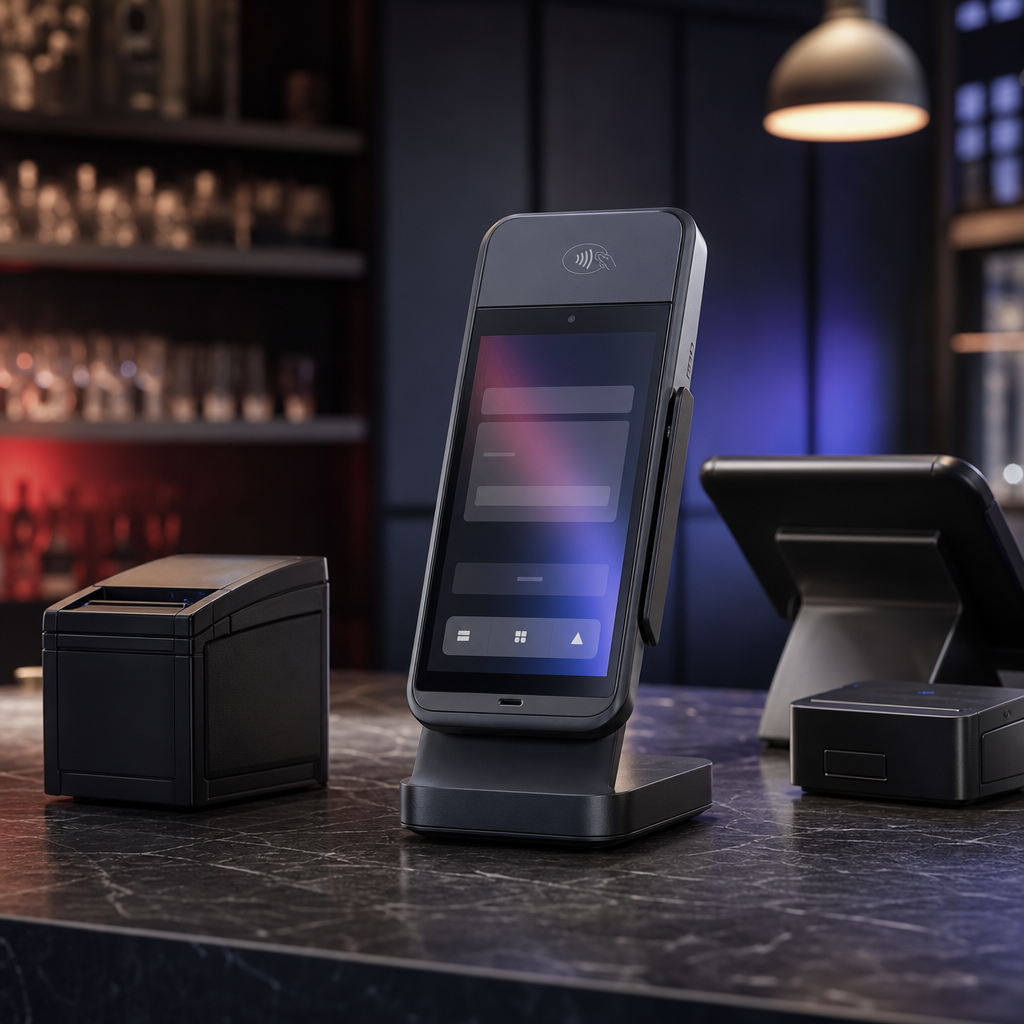
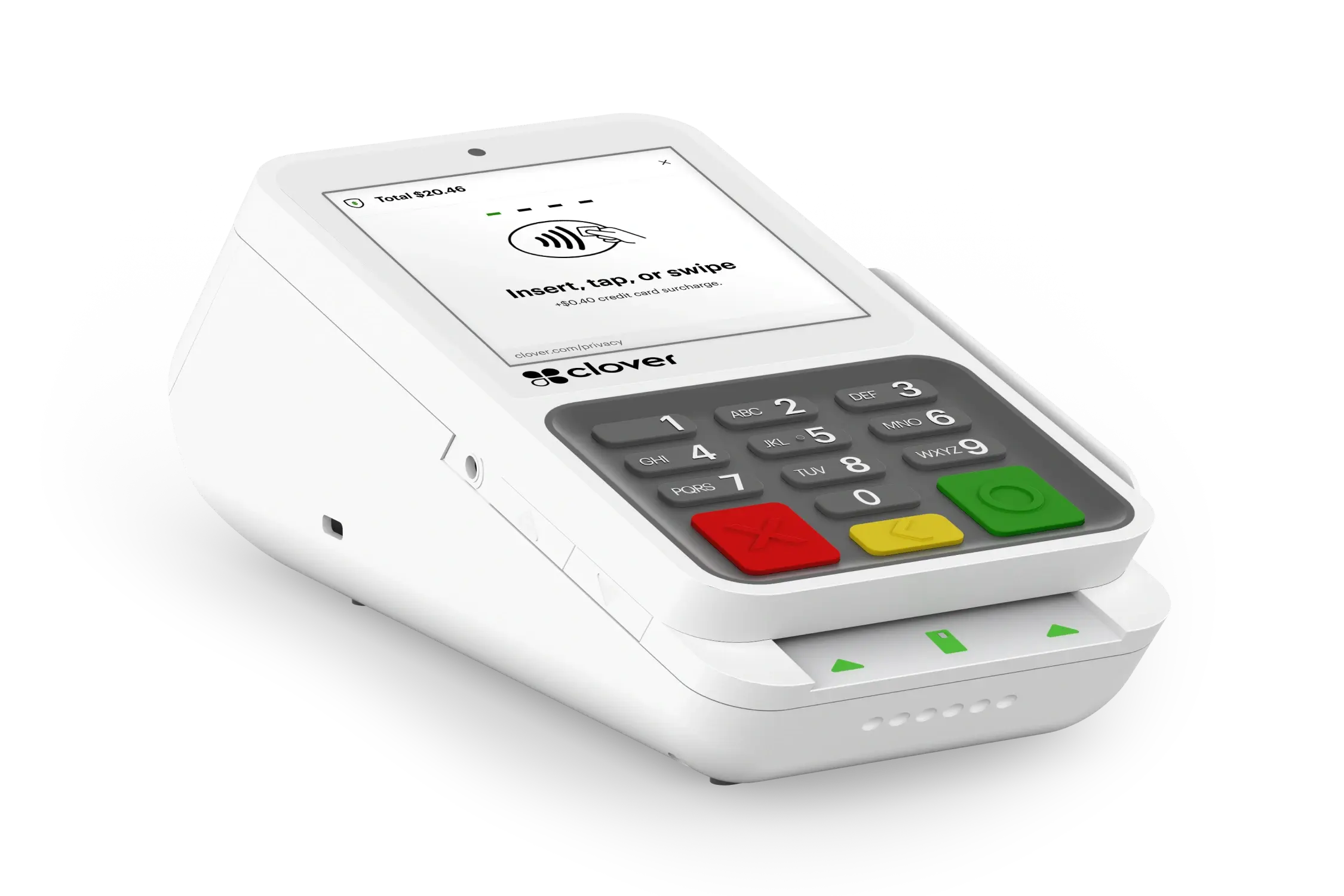
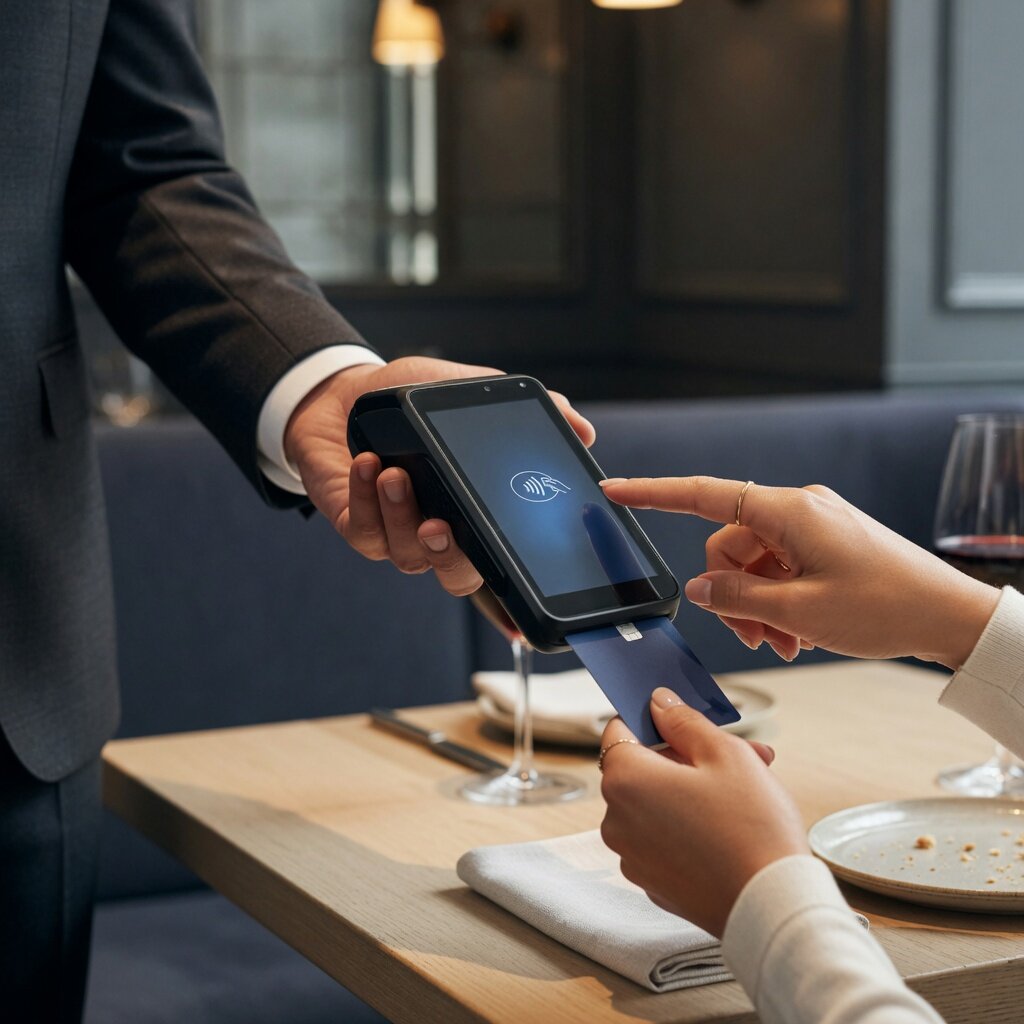
Smart terminal
Featured equipment

Several ways to take a card, and one account behind them.

A selection, not the range — more is available than one page should list. What changes between them is where they live and what the person holding one is doing; what does not change is the account behind them.

Equipment Financing View All Equipment $0 upfront Equipment financing is available, including zero-upfront options for qualified merchants. Programs, amounts and terms are subject to underwriting and approval, and nothing shown here is an offer of credit.
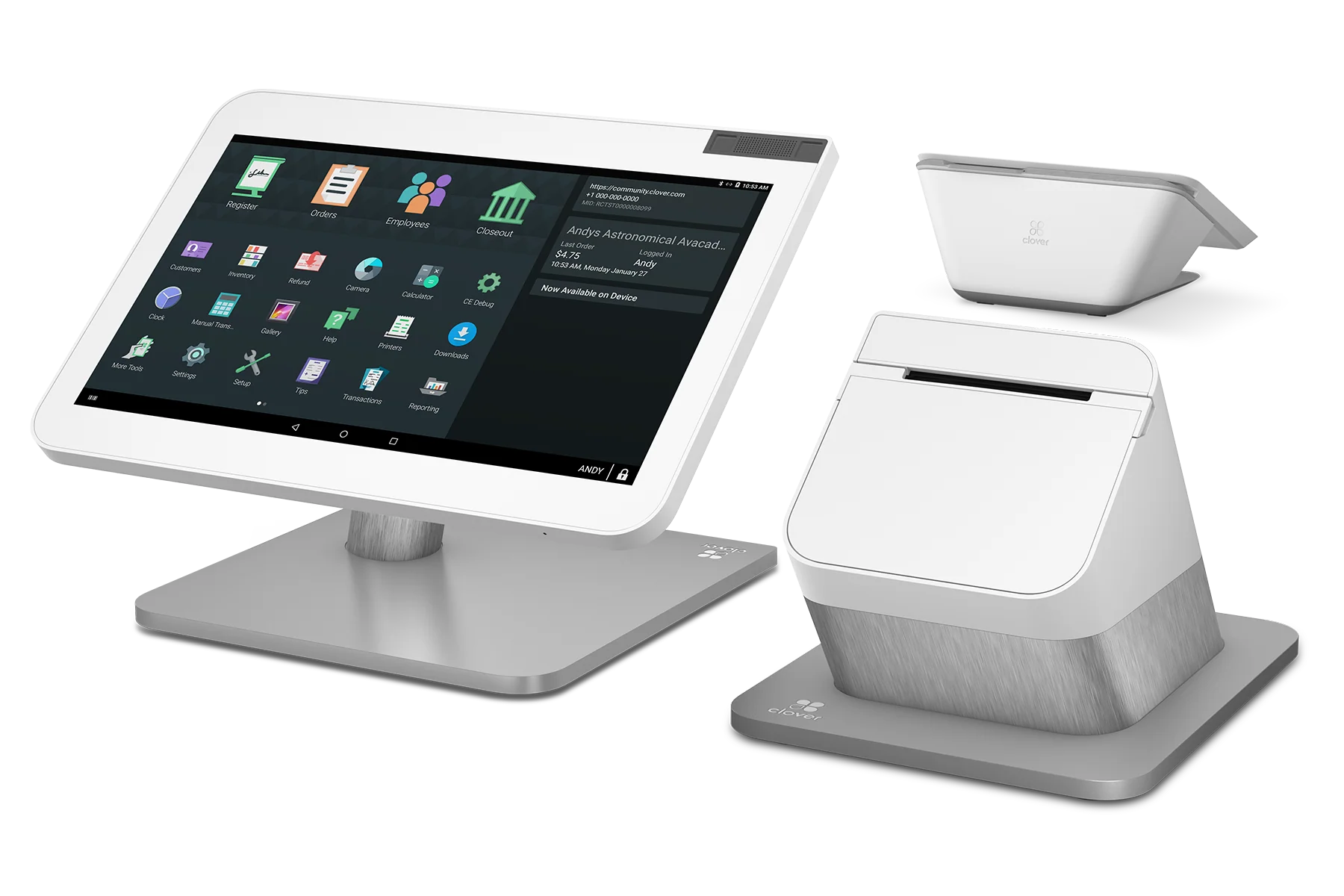
Clover Station Duo
Two screens, one counter Built-in receipt printer Swipe, dip, tap and mobile wallets Customer engagement at the point of sale
Most requested

Clover Station Duo

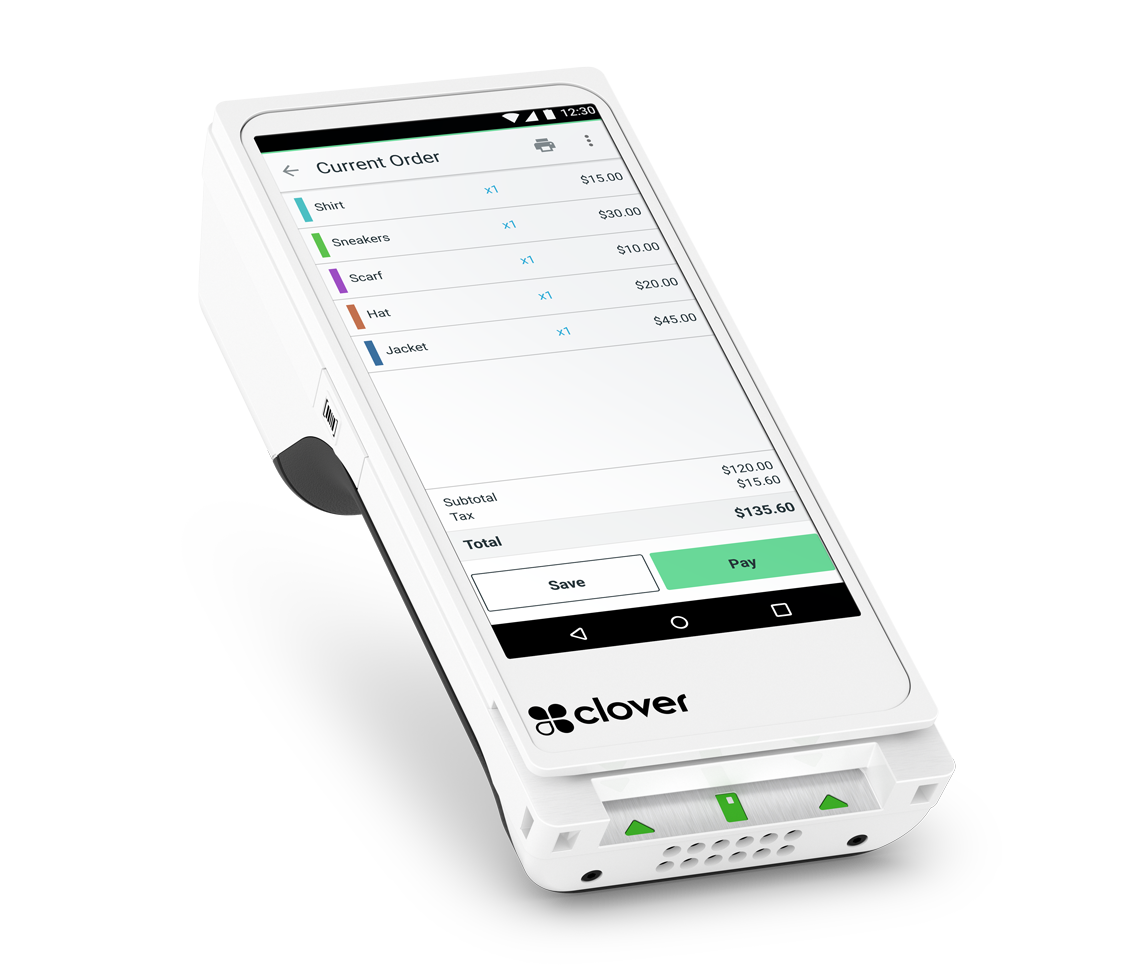
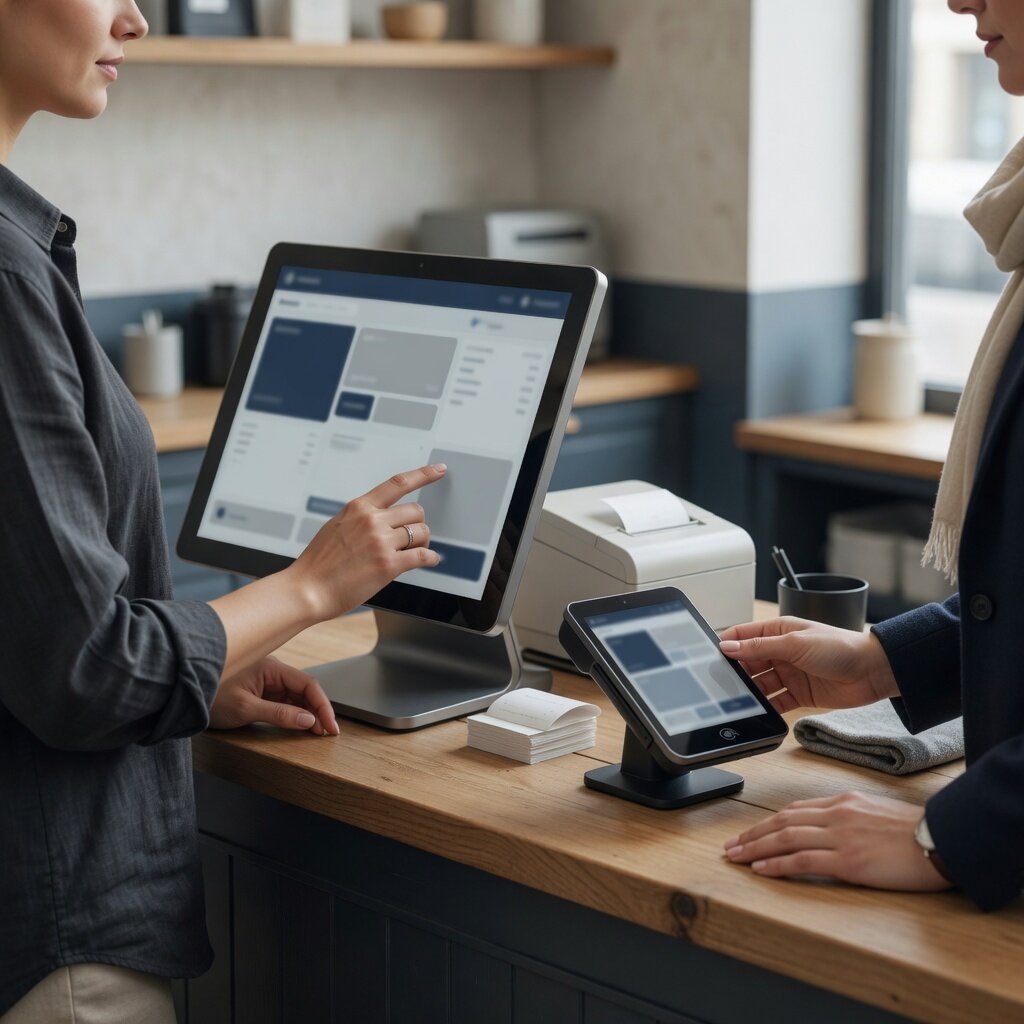
A two-screen countertop POS: one display for you, one facing the customer, with the receipt printer built in.

  • Payment methodsSwipe, chip insert, contactless and NFC mobile wallets
  • Card typesCredit, debit and EBT
  • Merchant display14-inch merchant-facing touchscreen
View details for Clover Station Duo
Which type fits

Start from where the payment happens.

Not from a specification. Each of these is the right answer to a different room — take them one at a time and one of them will describe yours.

The counter that only has room for one thing.

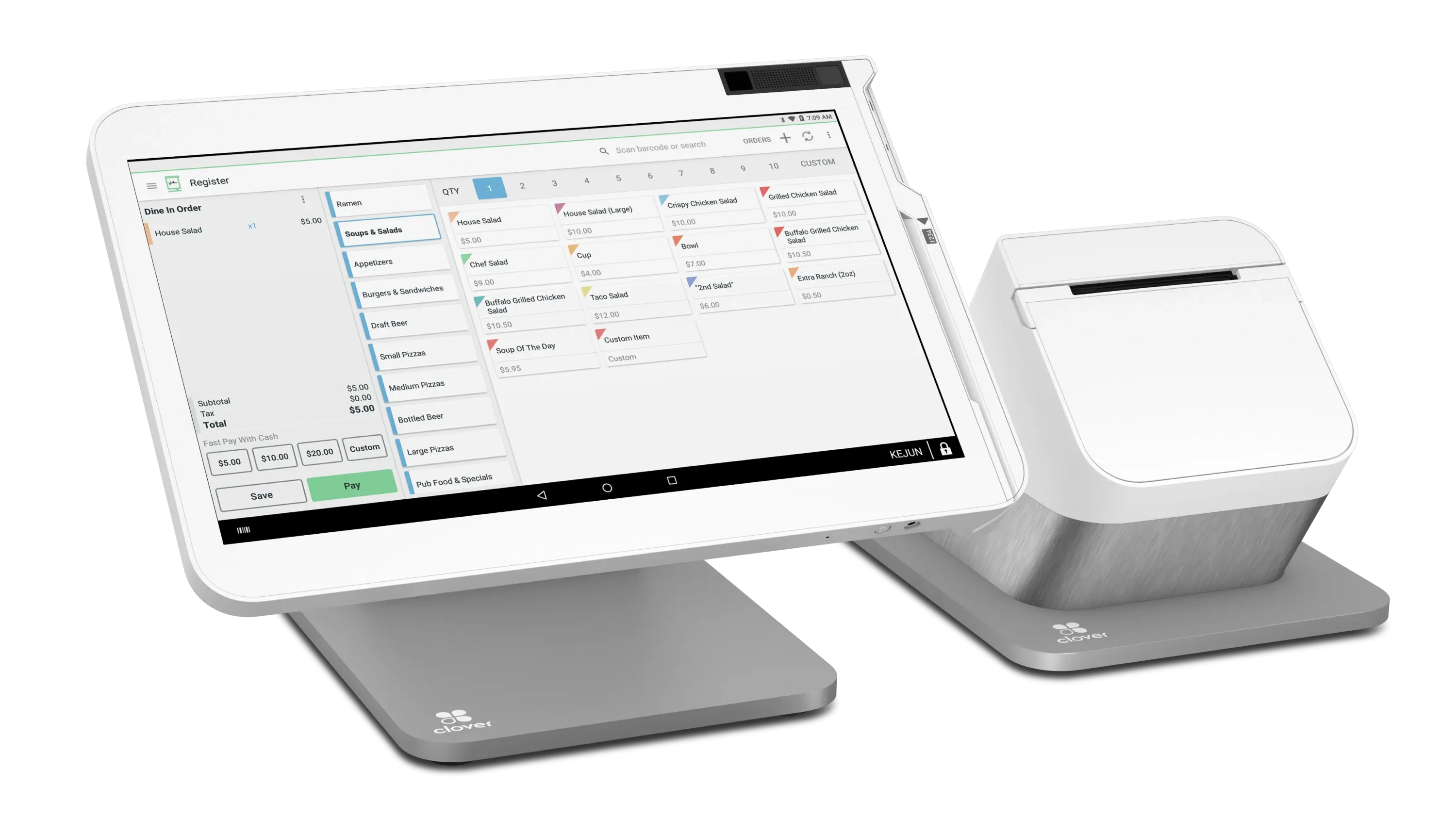
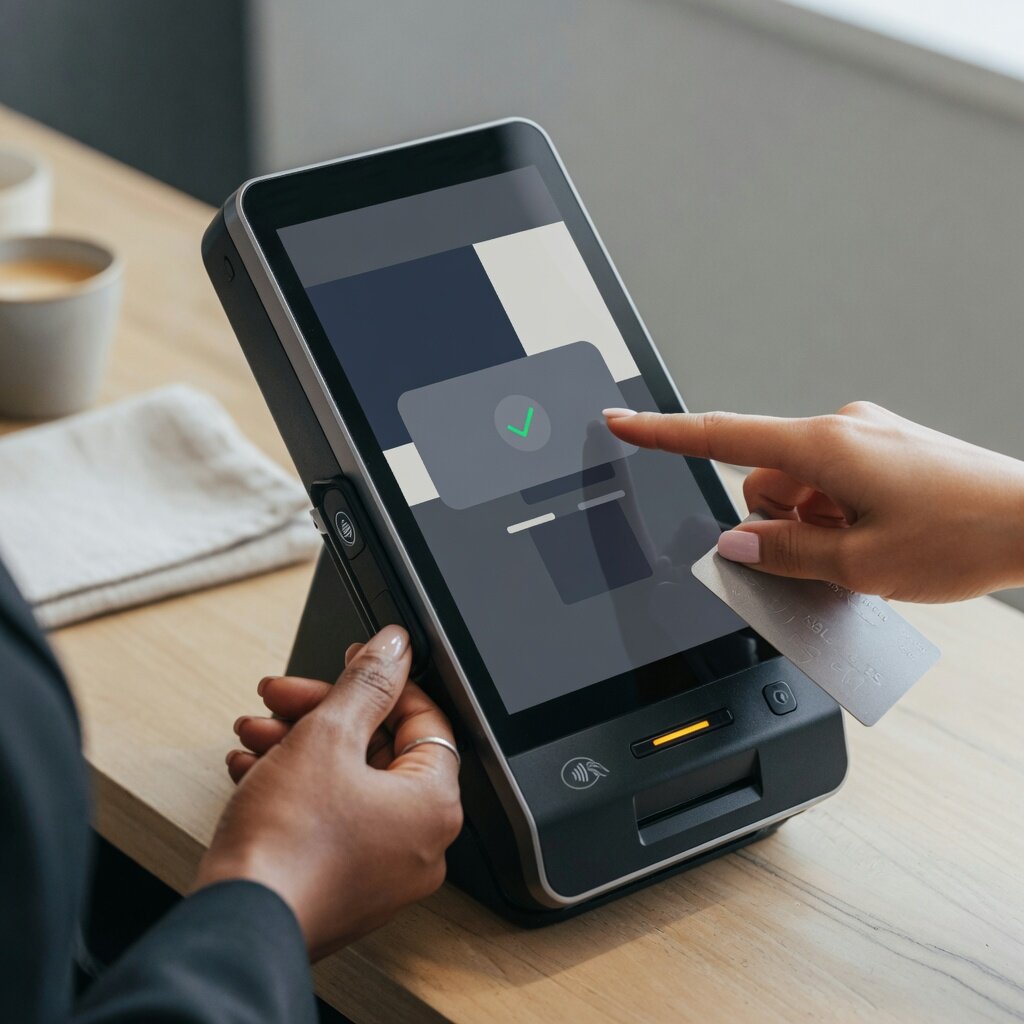
A touchscreen that takes the payment, prints the receipt, handles the tip and closes the batch without a second box beside it. It is the most requested setup because it is the fewest moving parts that still does the whole job.

  • Best whenOne payment point does everything, and the counter is short of space
  • Also coversTips, splits, refunds and end-of-day reporting on the device itself
  • Worth knowingWi-Fi with a mobile fallback matters more than screen size does
Retail Payments
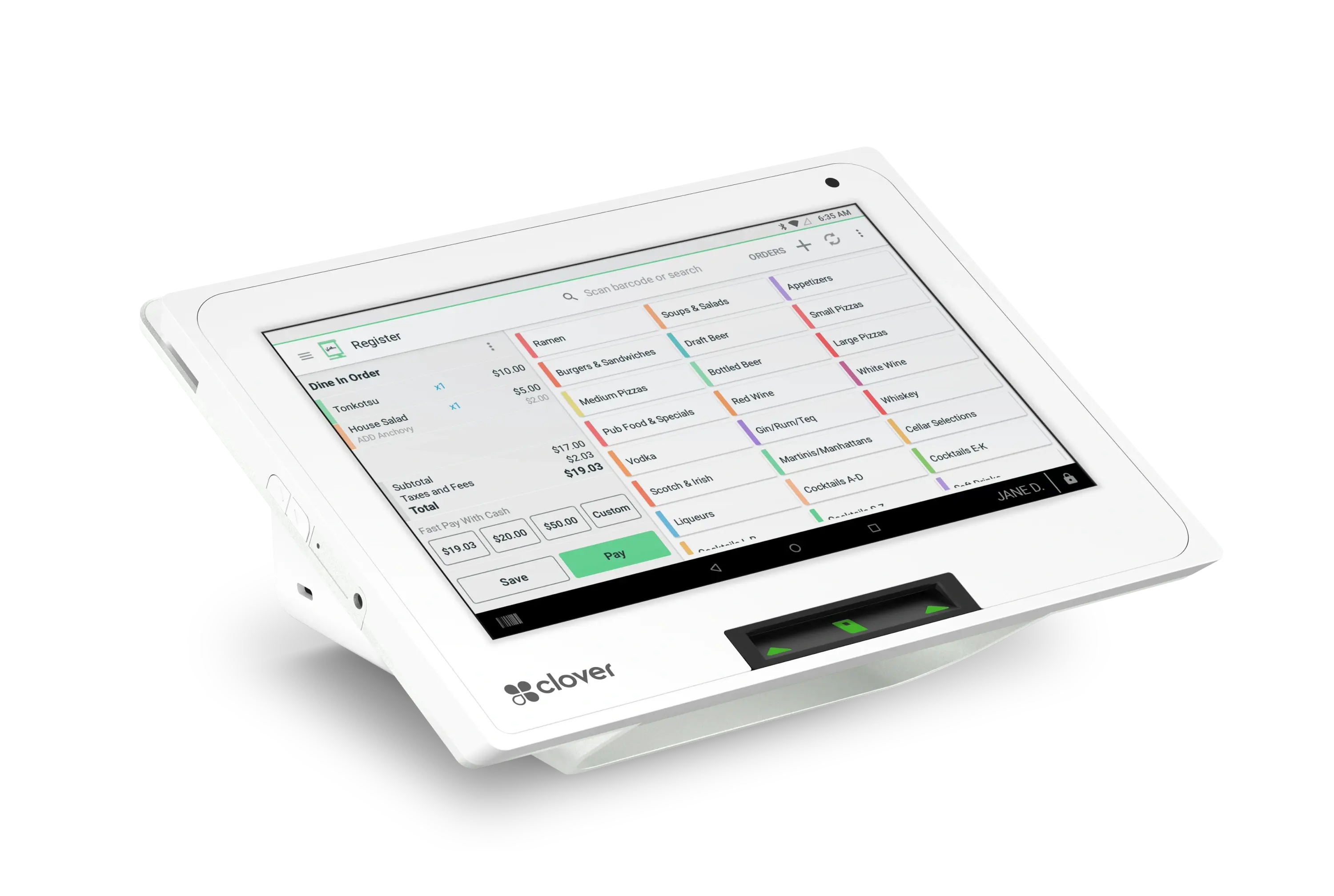
Smart Terminal
How it is decided

Four questions, in this order.

Getting these the wrong way round is how a business ends up with equipment that is impressive and wrong.

Equipment is the last decision, not the first. The room, the volume and the way payment actually happens narrow it down long before a device is named — and once they have, the choice is usually between two options rather than twenty.

The account behind the equipment is a separate decision, and worth making separately — the device does not set what you pay to process.

  1. Where does payment happen? At a fixed counter, at the table or chair, outdoors, or nowhere physical at all. This alone rules out most of the list.
  2. How many at once? Not how many staff — how many payment points genuinely operate simultaneously in the busy hour. Two tills that are never both open are one till and a spare.
  3. What has to happen around the payment? Tips by server, splits, deposits, a kitchen display, a fuel pre-authorization. This is where categories stop being interchangeable.
  4. What already works? Existing hardware is checked before anything is replaced. Some of it can be kept, some is locked to another processor, and knowing which changes the answer.
By environment

What each kind of room usually ends up with.

All Industries

A till, a shop floor and an online store are three places taking the same payment. The setup is built so all three land on one account rather than three.

Usually
A smart terminal at the till, and a second lane ready for the busy hour
Often adds
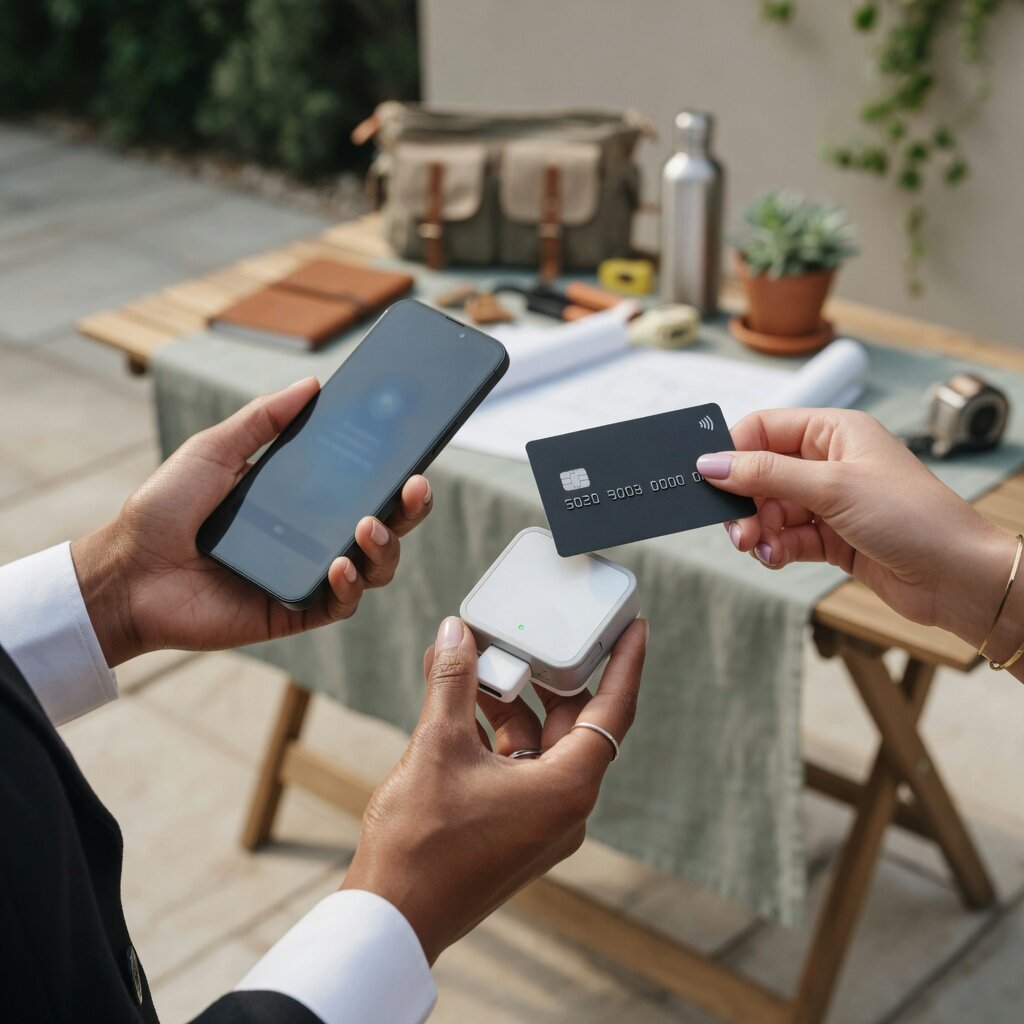
A handheld for the shop floor, and curbside collection
Worth knowing
Card-present and keyed are priced differently, so your channel split matters
Retail payments
Paying for it

Choose what the room needs, not what this month allows.

The right setup often costs more upfront than a slow month can absorb, which is how businesses end up with equipment chosen by a cash-flow calendar.

Equipment Financing
  1. The devices Terminals, POS stands, handhelds and readers
  2. The peripherals Printers, kitchen displays, cash drawers and scanners
  3. The install Configuration, connectivity and getting staff on it
  4. The rest of it Working capital, when the equipment is part of something larger

Programs, amounts and terms are subject to underwriting and approval. Nothing shown here is an offer of credit, and no approval, amount or timescale is implied.

Why Highline

The device is the easy part.

The difference

A broad range, narrowed to your room.

Highline works across a wide range of terminals and POS platforms rather than one manufacturer’s shelf, so the conversation starts with how your business runs instead of with what somebody has to sell. The devices on this page are examples; what you are shown is what suits the room.

  • More available than any page should list Countertop, smart, portable, mobile, restaurant and forecourt equipment across several platforms — the catalog is the start of it, not the end.
  • The software around the payment Depending on the system chosen, that can extend to inventory, staff, table and menu management and reporting. Which system does what is confirmed before anything is ordered, not assumed.
  • Configured before it arrives Tickets, tipping, receipts and the program are set up on the device, so it is taking payments on day one rather than waiting for a visit.
  • More than one location, one account Additional sites and additional device types can join the same merchant relationship, so they produce one deposit trail and one report rather than several.
  • One number for the box and the account The equipment and the processing behind it sit in the same relationship, which is the practical reason for not buying them from two places.
Questions

Before you choose a device.

The questions that come up in every equipment conversation. The ones about your own room are better answered by walking it than by reading a page.

Talk Through Your Setup
What is the difference between a payment terminal and a POS system?

A payment terminal takes the payment: it reads the card, gets the authorization and prints or sends the receipt. A POS system runs the sale around that payment — what was sold, by whom, from which stock, on which table — and takes the payment as one step of it. A smart terminal sits between the two, doing more than a terminal on a screen small enough to live on a counter.

Can Highline help me choose?

That is most of what this page is for. The useful version of the conversation is about the room rather than the product: where payment happens, how many points operate in the busy hour, what has to happen around the payment, and what equipment you already have. Two or three options usually survive those four questions, and the choice is made between those rather than from a catalog.

Can I keep the equipment I already have?

Sometimes. It depends on the make, the model, and whether the device is locked to your current processor — a lot of terminals are, and that is a commercial arrangement rather than a technical limit. The check is quick and it happens before anything is recommended, because replacing hardware that already works is the last option, not the first.

How many terminals do I actually need?

Usually one fewer than the busy hour suggests and one more than the quiet one does. The honest answer comes from how many payment points genuinely operate at the same time — two tills that are never both open are one till and a spare. A walk-through of the room settles it faster than a specification does.

What does the equipment cost?

There is no price on this page because the answer depends on what the room needs and how it is paid for. Equipment can be bought outright or financed, and financing is subject to underwriting and approval — nothing here is an offer of credit. What is available for a particular setup is quoted after the setup is agreed, not before.

Does the hardware decide what I pay to process?

No. The device takes the payment; the merchant account, the card mix and the pricing program decide the cost of accepting it. A more capable terminal does not make processing more expensive, and a cheaper one does not make it cheaper. Those are two separate conversations and it is worth keeping them separate.

Can one business run more than one type of device?

Yes, and most do. A counter terminal, a handheld for the floor and an online checkout are three front doors onto one merchant account — the point of putting them on one account is that they produce one deposit trail and one report rather than three of each.

Who sets it up, and what happens when something breaks?

Setup is part of the install rather than a box left on a counter: the device is configured for your tickets, your tipping and your program before it goes live, and staff are shown it. Support for the equipment sits with the same relationship as the processing behind it, which is the practical reason for having them in one place.

Can I browse the available equipment?

Yes — the equipment catalog lists what is currently featured, filtered by category, and each device has a page of its own. It is worth treating as a look at the shapes rather than the whole range: more is available than any catalog page lists, and which of it suits a particular business is the part worth a conversation.

Equipment

Pick the device for the room, then work out how to pay for it.

Counter. Floor. Forecourt. One account.

  • Existing equipment checked before anything is replaced
  • Financing available, subject to approval
  • Every device on one deposit trail and one report