Retail

Payments That Keep the Queue Moving.

Take payment at the till, on the shop floor, at the kerb or online — on one retail account, with hardware chosen for your counter and a checkout a new hire can learn in a single shift.

Equipment Zero-upfront equipment options for qualified merchants
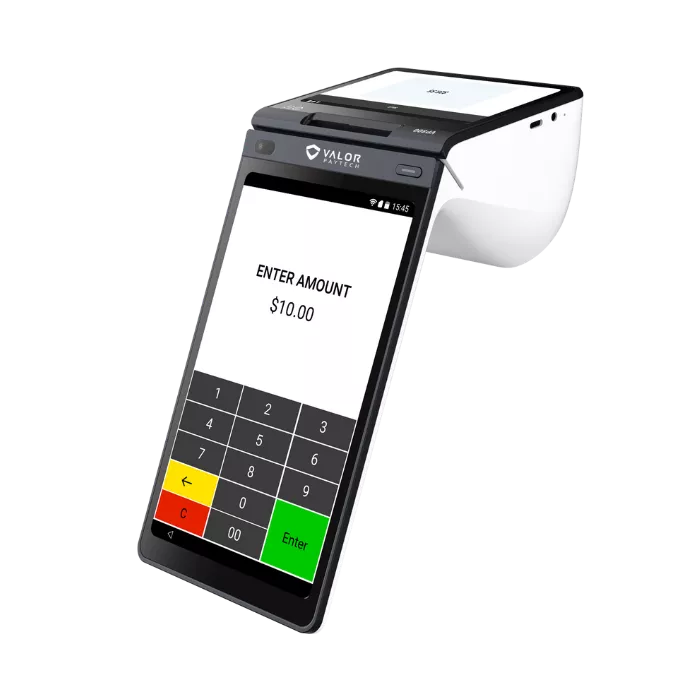
Smart Terminal Illustrative
Tap & contactless Wallets Returns & exchanges Second lane ready

Equipment shown is illustrative. Your configuration is chosen with you.

How a store runs

Every point of sale in your store is a payment point.

A shop is not one till any more. There is the counter, the person helping a customer decide in the aisle, the order being collected at the kerb and the basket that was paid for online last night — and all of them have to take money without holding up the queue. Pick a station to see how it is handled.

One merchant accountOne batch at closeOne report

Front counter

The till that has to be quick and obvious.

Most of a shop’s revenue crosses one counter, so the terminal choice there matters more than anything else in the store. Chip, contactless and wallets at the front, receipts printed or emailed, and returns and exchanges handled at the same device rather than at a back office.

  • HandlesCard present, contactless, wallets, refunds and exchanges
  • Good forMain registers, second lanes at peak, service desks
Smart Terminal Illustrative
Assisted sale

Close the sale where the decision is made.

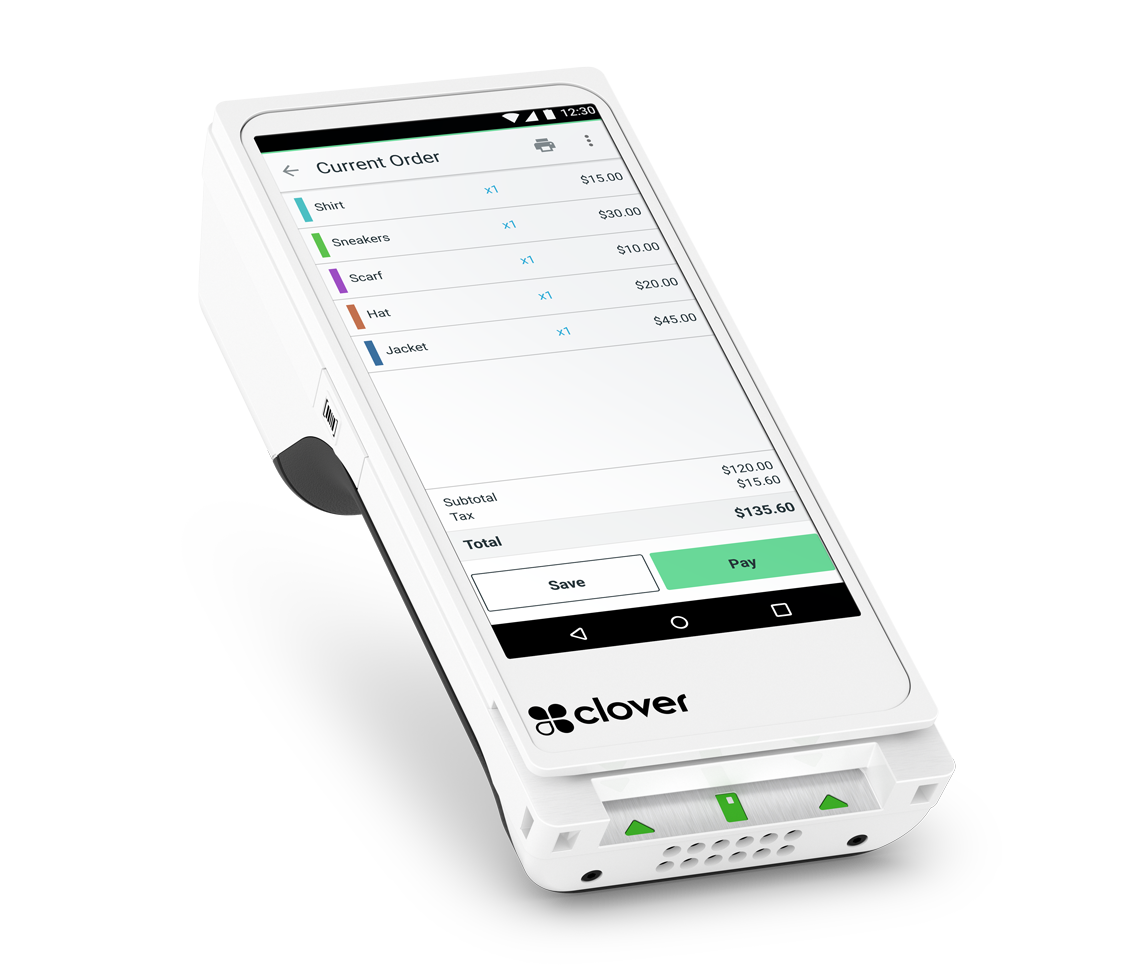
A customer who has just been talked through a fit, a size or a spec should not then be asked to join a queue. A handheld lets the person who helped them take the payment on the spot — at the fitting room, in the aisle, or beside the stock they were looking at.

  • HandlesCard present away from the till, emailed receipts
  • Good forFitting rooms, showrooms, high-consideration purchases
Portable Terminal Illustrative
Curbside & events

Payment follows the stock out of the building.

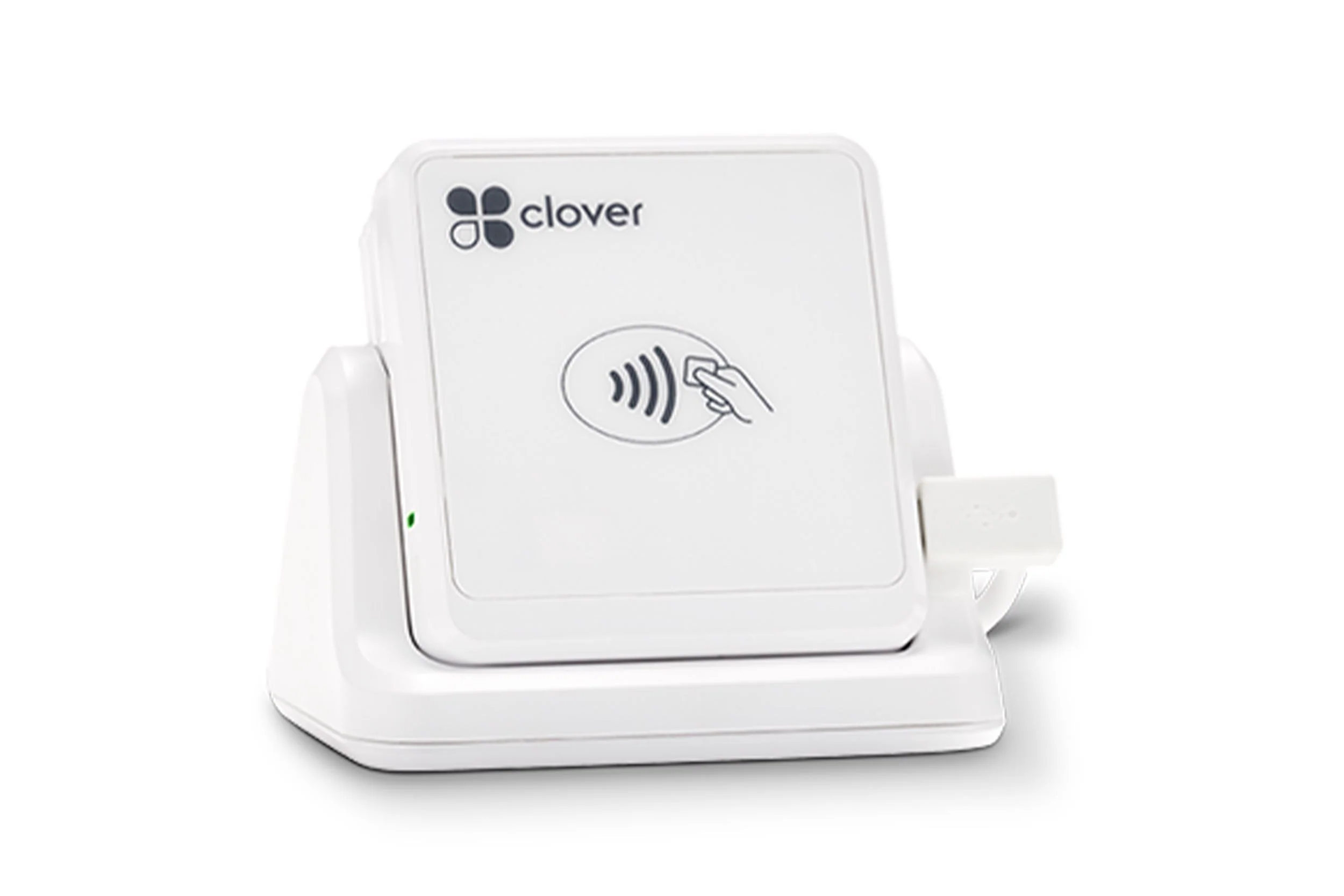
Collections at the kerb, a stall at a weekend market, a pop-up in another town, a delivery paid for on the doorstep. A paired reader takes the same transaction wherever there is coverage, and it reports back to the same account as the shop.

  • HandlesCard present off site, texted and emailed receipts
  • Good forCurbside collection, markets, pop-ups, deliveries
Mobile Reader Illustrative
Online

Baskets that arrive already paid.

Take payment through your own checkout page or a payment link you send by email or text — for a web order, a deposit on something being ordered in, or an invoice to a trade customer. Card data is tokenized by the gateway, so you are not holding card numbers yourself.

  • HandlesHosted checkout, payment links, stored cards for regulars
  • Good forWeb orders, click and collect, deposits, trade accounts
Online Checkout Illustrative
Close-out

One account, one batch, one report.

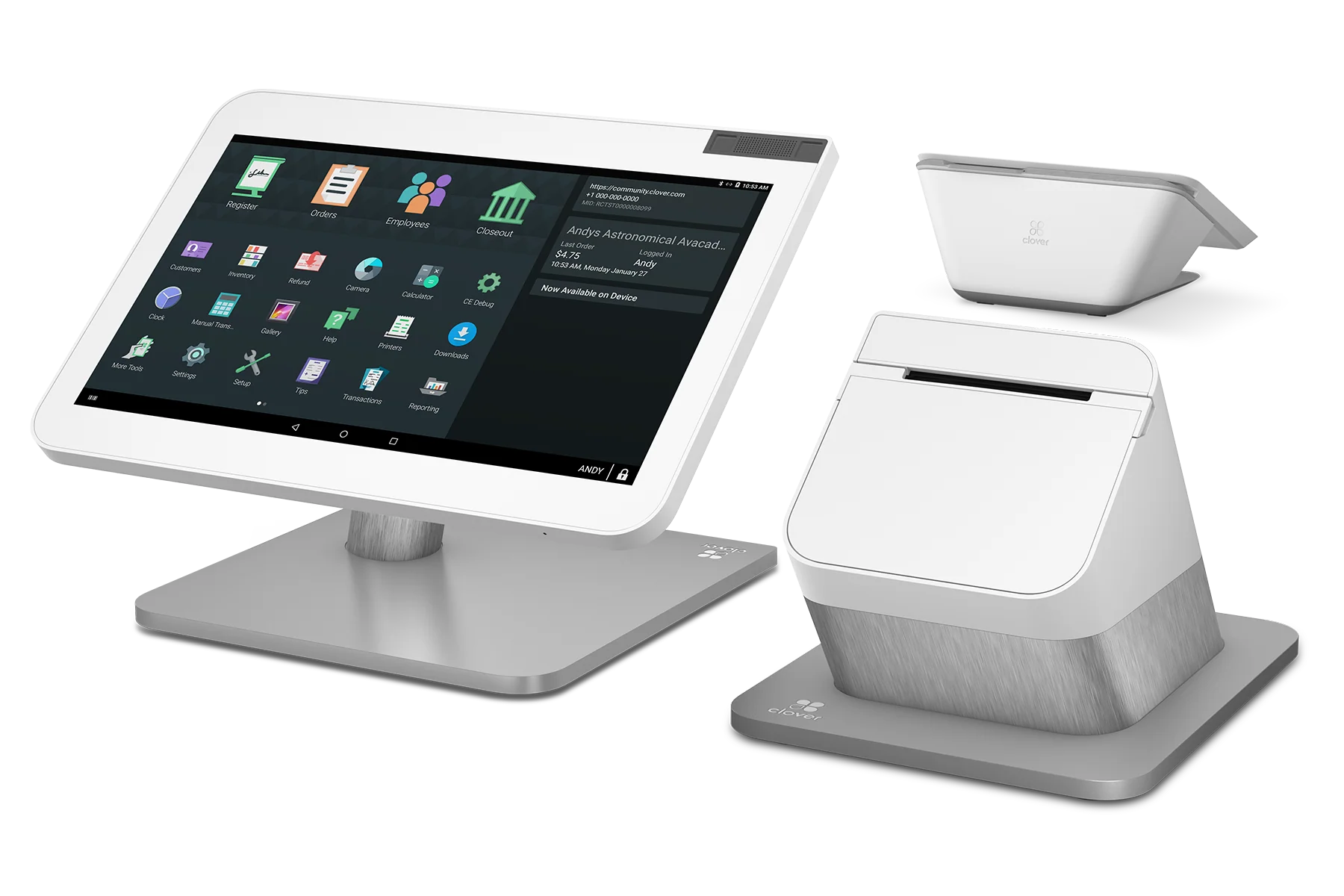
Every station above settles into the same place. At close you batch once and see the day in one report — sales by station, refunds and exchanges against the sales they belong to, and what is funding to your bank account on your funding schedule.

  • HandlesEnd-of-day batch, refunds, funding visibility
  • Good forWhoever cashes up and whoever reconciles it afterwards
Countertop POS Illustrative
Choosing

A terminal, or a point of sale?

A payment terminal takes the money and prints the receipt. A point of sale does that and keeps the count — what sold, what is left, who sold it, what it cost you. Both are correct answers; they are answers to different questions, and the cost of getting it wrong runs in both directions.

A terminal is enough when
Someone else already holds the record — a market stall, a shop whose stock lives in a spreadsheet, a second lane that only opens at Christmas. The payment is the whole job.
A point of sale earns its place when
You are ordering stock on a guess, cannot say what your best line is without counting it, or run a promotion you cannot measure afterwards.
Most shops sit between the two
A counter POS that keeps the count, with a handheld that is only a payment device. One account underneath, two levels of detail on top — which is normal rather than a compromise.
It does not have to be decided once
Starting with acceptance and adding the record later is a configuration change on the same relationship, not a second application and not a rip-out.
POS & Hardware

Equipment picked for your counter.

Equipment & Financing
Clover Station Duo
Most requested

The station most of the day goes through.

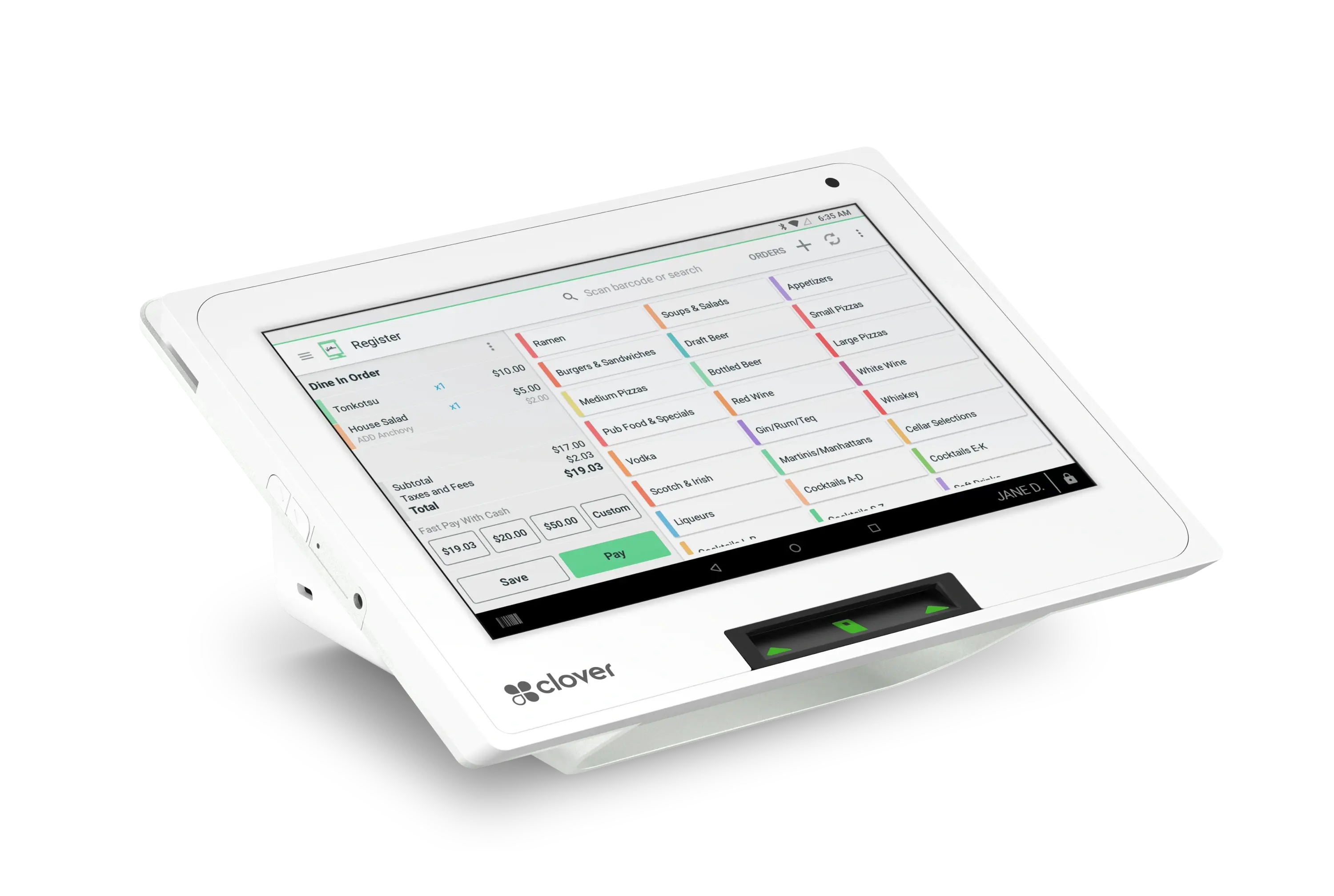
A two-screen countertop POS: one display for you, one facing the customer, with the receipt printer built in.

  • Payment methodsSwipe, chip insert, contactless and NFC mobile wallets
  • Card typesCredit, debit and EBT
  • Merchant display14-inch merchant-facing touchscreen
View details for Clover Station Duo

Equipment can be purchased outright or financed, including zero-upfront options for qualified merchants. Availability depends on the equipment selected and on underwriting.

What changes at the till

The practical difference on a busy afternoon.

  • More than one place to complete a sale.

    The slowest part of most retail checkouts is not the payment — it is the queue that forms behind a single register when two customers need something explained. Adding a handheld on the floor, a reader for the kerb and a checkout page online means a sale does not have to wait for the till to be free.

  • Take payment however the customer wants to pay.

    Chip, contactless, wallets, keyed phone orders, online checkout and payment links — all on the same merchant account and the same reporting.

    • Contactless
    • Wallets
    • Chip & swipe
    • Online
    • Payment links
    • Phone orders
  • Equipment options

    Buy outright or finance, with zero-upfront options for qualified merchants. Adding a lane for a busy season is a change to an existing relationship rather than a new search.

  • A pricing program you can change

    Interchange-plus, flat rate, or a compliant Cash Discount program — and the ability to move between them if the program turns out not to suit your customers.

  • One report for the whole day

    Counter, shop floor, curbside and online sales settle to the same account, so cashing up is one job and a refund sits against the sale it belongs to.

Retail equipment offer

Zero-upfront equipment options for qualified merchants.

Equipment can be purchased outright or financed, and zero-upfront options are available for qualified merchants switching their processing to Highline. What is available depends on the equipment selected and on the outcome of a review — it is confirmed with you, not assumed.

  • QualifyingRetail merchants switching their processing to Highline
  • Confirmed byStatement analysis, underwriting and approval
  • Also reviewedWhich equipment your counter actually needs

Equipment options are subject to underwriting and approval, and availability depends on the equipment selected. Nothing here is an offer of credit or a guarantee of pricing; final terms require statement analysis and approval.

Cash Discount

A way to offset processing cost at the till.

A compliant Cash Discount or dual-pricing program posts one price and offers a lower one to customers paying with cash, so the cost of card acceptance is carried at the point of sale rather than absorbed into your margin.

  • It is a program, not a rate. Choosing it changes how the cost is presented at checkout. It does not by itself set what you pay — that still comes out of a statement review.
  • Disclosure is part of it. Shelf labels, signage at the entrance and at the till, and receipts all have to show the pricing clearly. Getting that right is part of setup, not an afterthought.
  • Every price has to agree. Shelf, website, quote and terminal showing the same figure is what makes it work in a shop. One inconsistency is the one a customer notices.
  • It is optional, and reversible. Plenty of retailers run standard pricing instead. If it does not suit your customers you can be moved back to a conventional program.
Business funding

Capital for the things a shop actually needs it for.

Reviewed alongside your processing rather than as a separate application.

  1. Equipment Adding a lane, replacing a terminal that is holding up the queue, or kitting out a second location.
  2. Inventory Stock bought ahead of a season, a range extension, or the gap between paying for stock and selling it.
  3. Store improvements Fit-out, fixtures, lighting, signage and the work that is easier done between seasons.
  4. Working capital Covering a quiet stretch, a slow start to a season, or a stock-up before a busy one.

Programs, amounts and terms are subject to underwriting and approval, and differ by business. Nothing here is an offer of credit.

Why Highline

Set up by people who have configured a shop before.

Processing, the point of sale and the funding conversation come from one relationship, so nobody is waiting on a third party to call back while there is a queue at the till.

Configured, not shipped
Tax, tenders, receipts and returns are set before the hardware arrives, so the first busy day on the new system is not the one that finds the problems.
Breadth behind the account
45+ banking relationships and 20+ supported currencies, so a shop that adds an online store, a second site or an unusual product line changes its setup rather than its provider.
Programs you can change
Interchange-plus, flat rate or a compliant Cash Discount program, with the ability to move between them if your customers react differently than expected.
One team for all of it
Processing, hardware and funding sit with the same people, so the terminal suits the program and the funding review already knows your volume.
Questions

Retail payments, answered plainly.

If the question is about your own store, the useful answer comes from someone looking at your statement and your counter.

Talk to Sales
Can I keep the equipment I already have?

Often, yes — and it is the first thing checked. It depends on the make and model and on whether the terminal is locked to your current processor. Replacing hardware your staff already know is the last option rather than the first, and it is worth being careful with anyone who leads with new equipment before asking what you run.

Do I need a full POS, or just a card terminal?

It depends on whether you need the payment or the record. A terminal takes the money and prints the receipt; a point of sale does that and keeps the count — what sold, what is left, who sold it. If your stock already lives somewhere else, or the lane is a seasonal overflow, a terminal is the right answer and a POS is an expense with nothing behind it.

The signals that a point of sale would earn its place are usually the same three: ordering stock on a guess, being unable to name your best-selling line without counting it, and running promotions you cannot measure afterwards. Starting with acceptance and adding the record later is a configuration change on the same account rather than a second application.

Can Highline support more than one checkout point?

Yes. A store can run several terminals — a main register, a second lane for busy periods, a handheld on the shop floor — on the same merchant account, reporting through the same place. How many you need depends on your footprint and your peak, which is part of the setup conversation rather than a fixed number.

Can staff take payment away from the counter?

Yes. A portable terminal or a paired mobile reader runs the same transaction the countertop unit would, so a sale can be closed on the shop floor, at the kerb, at a market stall or at an event. Coverage at your site is worth checking before choosing between them — connectivity matters more than the device.

Can I accept payments online as well as in store?

Yes. Online acceptance runs through the gateway using a hosted checkout page or a payment link, with card data tokenized so you are not storing card numbers yourself. Online and in-store sales report through the same merchant account, so you reconcile one thing rather than two.

What equipment financing options are available?

Equipment can be bought outright or financed, and zero-upfront options are available for qualified merchants. What is available depends on the equipment selected and on underwriting, so it is confirmed as part of your review rather than promised in advance. Any figure discussed before that review is an illustration.

How is my processing rate determined?

By your business type, your monthly volume, your average ticket and how your sales split between card-present, keyed and online — each of those affects cost differently. Rather than quote a rate before seeing any of it, we review a recent processing statement and put the numbers side by side. Any figure shown before that review is an estimate, not an offer.

Get started with Highline

Ready for a counter that keeps the queue moving?

Counter. Floor. Kerb. One account.

  • Statement analysis before you switch
  • Hardware configured before it ships
  • Zero-upfront equipment options for qualified merchants